


Design Help & File Guidelines
Mark’s Quick Printing, Inc. – Saint Louis, MO
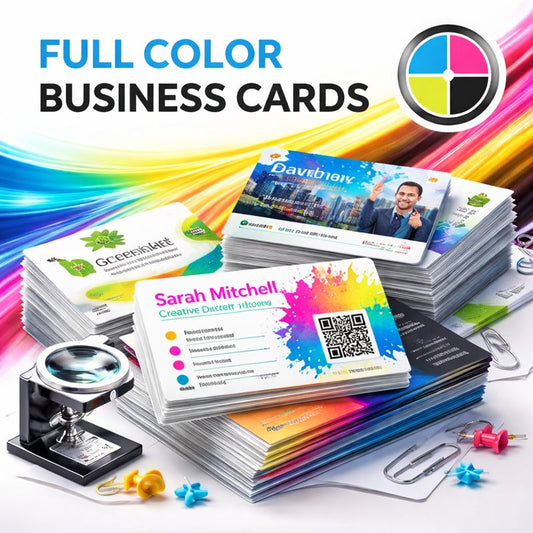
To ensure the highest-quality printing results, please follow the file preparation guidelines below. Proper file setup helps us produce sharp, clean, accurate prints—whether you’re ordering business cards, banners, yard signs, T-shirts, flyers, or political campaign materials.
If you need assistance, our team offers professional design help, artwork cleanup, and file preparation services.
✔ Preferred File Formats
For the best output, we recommend submitting files in the following formats:
-
PDF (Preferred for all print jobs)
-
AI / EPS / SVG (Vector files)
-
PNG (High-resolution, transparent background)
-
JPG (High-resolution CMYK image)
-
TIFF (For photos and complex artwork)
Avoid screenshots, low-resolution images, or files saved from social media.
✔ Resolution Requirements
To ensure crisp, sharp prints, artwork must be:
-
300 DPI for business cards, flyers, brochures, labels, stationery, etc.
-
150 DPI minimum for banners, yard signs, posters, and other large-format items
-
72 DPI is NOT acceptable for most print jobs
If your file is blurry, pixelated, or low resolution, we can help fix it upon request.
✔ Color Mode (Important!)
All artwork should be submitted in:
-
CMYK Color Mode for printing
-
RGB files may shift in color when printed
If you’re not sure how to convert, we can adjust it for you.
✔ Bleed, Safe Area & Margins
To avoid white edges or cut-off text:
Bleed
Add 0.125" (⅛ inch) bleed on all sides for:
-
Business cards
-
Flyers
-
Postcards
-
Brochures
-
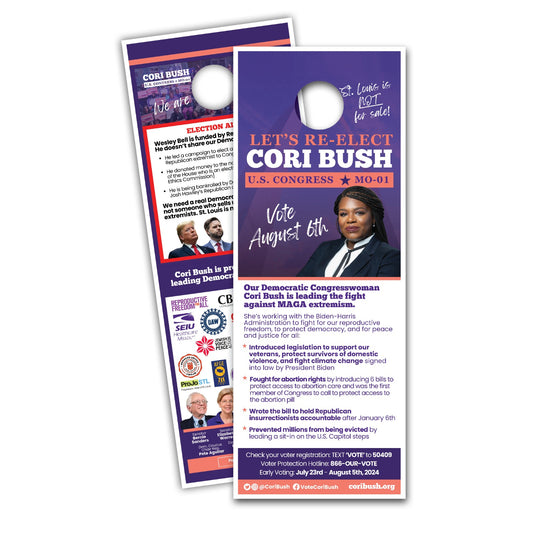
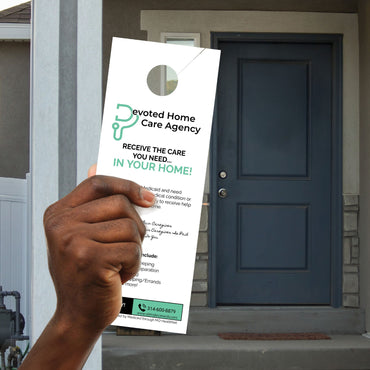
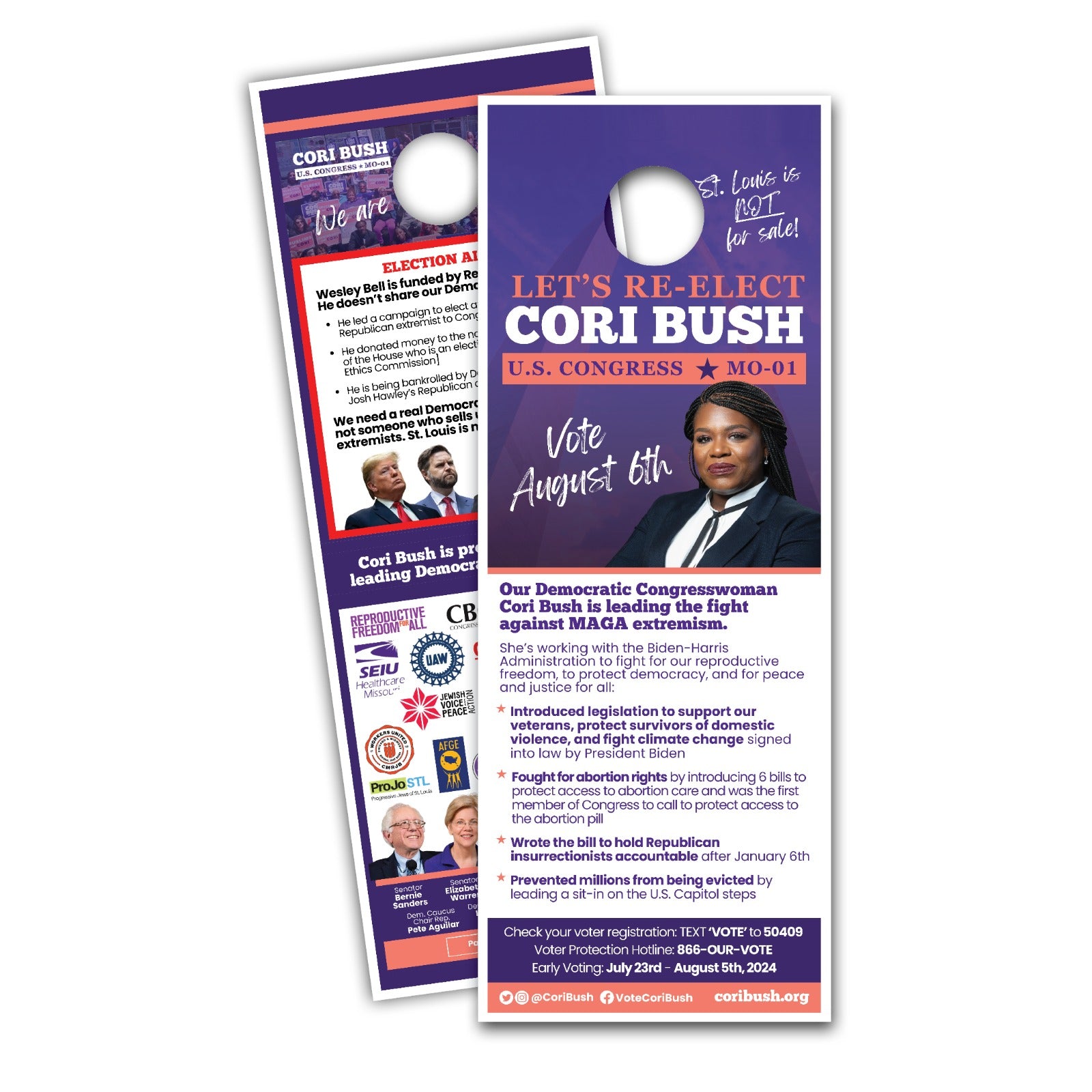
Doorhangers
-
Labels
-
Stationery
Safe Area
Keep all important text, logos, and graphics 0.125" inside the trim line.
Large Format Products
For banners, yard signs, and posters, include:
-
0.5"–1" bleed depending on size
-
Extra room for hems or grommets
If you’re unsure, we can set this up for you.
✔ Fonts & Text
-
Convert all text to outlines / curves
-
Or include the font files with your artwork
-
Avoid text smaller than 8 pt for most print jobs
-
For yard signs and political materials, use large bold text for maximum visibility
✔ Image Quality
For best results:
-
Provide original artwork whenever possible
-
Avoid sending screenshots, Facebook images, or low-quality uploads
-
Use vector files for logos and solid graphics
-
Use high-resolution images for photos and apparel designs
If your image is low-quality, we can attempt enhancement upon request.
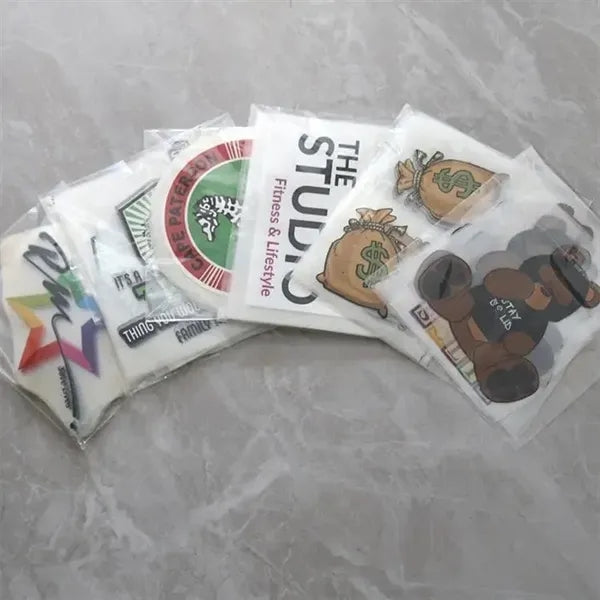
✔ T-Shirt & Apparel File Guidelines
For custom apparel printing:
-
Submit artwork with a transparent background (PNG or SVG)
-
Use 300 DPI minimum
-
Avoid thin lines or tiny details
-
Submit designs at the actual print size (e.g., 11", 12", or 14")
-
Convert all colors to CMYK for accuracy
If needed, we can adjust sizing for youth, adult, or plus-size shirts.
✔ Political Campaign Material Guidelines
For political yard signs, banners, and doorhangers:
-
Use bold fonts for readability
-
Keep critical text large (campaign names, titles, slogans)
-
Avoid dark backgrounds with small white text
-
Make sure colors contrast well
-
Include legally required information if needed
We can help optimize your layout for maximum visibility.
✔ File Submission Options
You can send files in any of these ways:
-
Upload through our website
-
Email: service@mqprinting.com
-
USB drive (in-person drop-off)
-
Cloud links (Google Drive, Dropbox, etc.)
Always label files clearly with your name and project name.
✔ Need Design Help? We’ve Got You.
Our team provides:
-
Basic fixes (resize, bleed, alignment, color correction)
-
Artwork cleanup
-
Full graphic design services
-
Logo recreation
-
Campaign sign layout design
-
Business branding assistance
Let us take your idea and turn it into a professional, print-ready design.
Questions or Need Assistance?
We’re here to help.
Mark’s Quick Printing, Inc.
Phone: (314) 426-0419
Email: service@mqprinting.com